
Getting Started:
- Go to: https://linqapp.com/
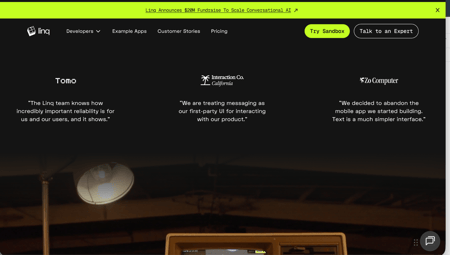
- Click “Try Sandbox”
-
Complete Form
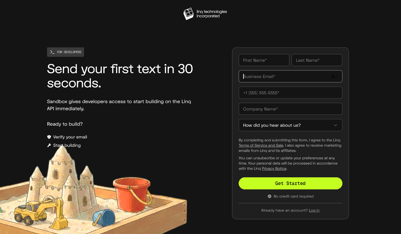
- First Name & Last Name
- Email Address
- Phone Number
- Company Name
- Click ''Get Started''
-
Verify Your Email
- Check your inbox for a verification code
- Enter the code to confirm your account
-
Activate Your Phone Number
After verifying your email, you’ll need to activate your number:
Option 1: Direct Link
- Click on the phone number displayed on the screen
- This will open your iMessage app
- Send the message “Activate”
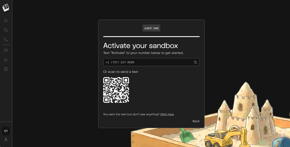
Option 2: QR Code
- Scan the QR code using your phone
- This will open your messaging app
- Send “Activate”
-
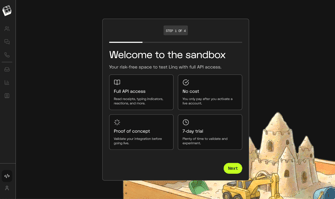
Once your number has been activated you have successfully registered to Sandbox! You can now start testing and exploring the platform.
Contact & Support
If you have any questions or need assistance at any step, feel free to reach out to support@linqapp.com.