
Step 1: Log into Linq Zero
- Go to zero.linqapp.com and sign in with your Linq account credentials
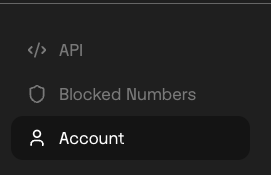
Step 2: Navigate to Account
- Click on Account in the left menu
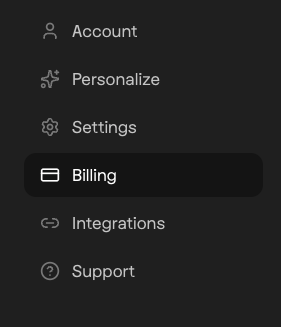
Step 3: Go to Billing
- Select Billing from the Account options
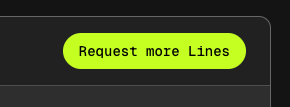
Step 4: Request More Lines
- Click "Request More Lines" to the top right of the Billing page
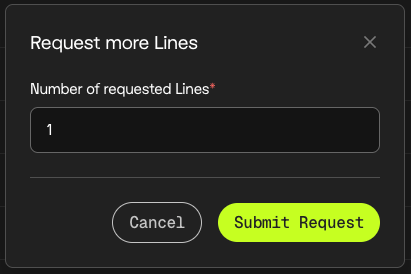
- Complete the requested number of lines, then submit
What Happens After You Submit?
Once your request is submitted:
- Your Partner Success Manager (PSM) will reach out via email
- They'll discuss your use case and confirm pricing
- New lines typically take up to 48 hours to provision and warm after approval