
About Me Content Tile
The About Me tile lets you add a custom text box to your Linq page. Use it for a short bio, a bulleted list, or anything important you want visitors to know about you.
Any email addresses or URLs you type will automatically become clickable links.
How to Set Up the About Me Tile
-
Log in
-
Open the Linq app or go to linqapp.com/welcome and sign in.
-
-
Open your page
-
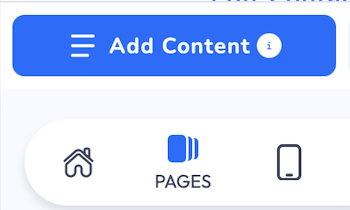
Go to the Pages section and select the page where you want to add the About Me section.

-
-
Add the About Me tile
-
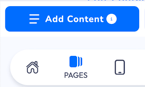
Click Add Content.

-
Select About Me.

-
-
Configure the About Me tile
-
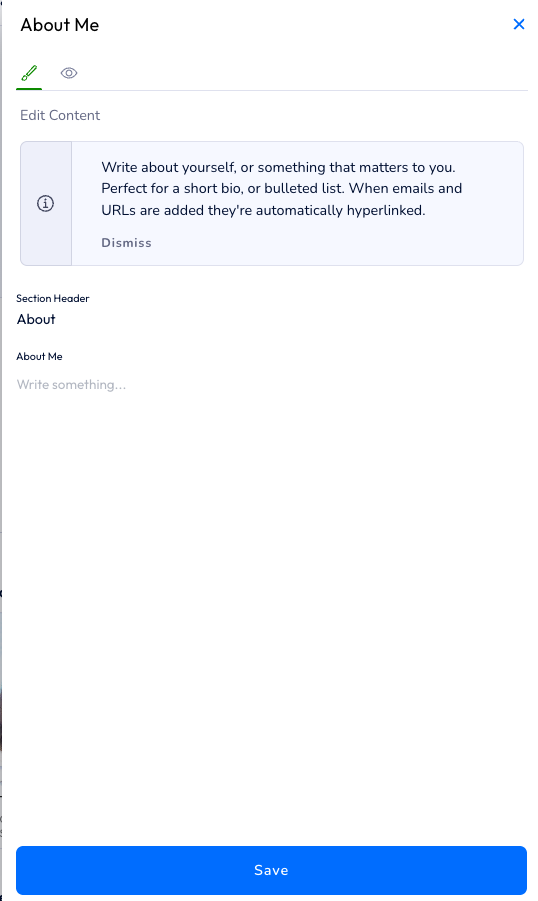
The Edit About Me window will appear.
-
Add a title for this section by editing the Section Header field.
-
Type your content in the About Me text box (bio, bullet points, links, etc.).
-
-
Save your changes
-
Click Save.
-
The About Me tile will be added to the bottom of your Linq page as the most recent section. You can always reorder your content by pressing the Sort button at the top of your Linq page and dragging sections into the order you prefer.