
Adding Extra Contact Information to Your Contact Card
You can add additional URLs, phone numbers, email addresses, locations, and other custom details to the Contact Info section of your Linq profile.
Anything you add here will be included in the contact card that visitors save—along with your main phone number, email, and name.
What Gets Shared When Someone Saves Your Contact
When someone taps Save Contact from your Linq page, their phone will save:
-
Your name
-
Your primary phone number
-
Your primary email
-
Any extra contact information you’ve added (URLs, additional phones/emails, etc.)
Note: Your Linq URL is already included automatically in the contact card, so you don’t need to add it manually to Contact Info.
How to Add Extra Contact Info
-
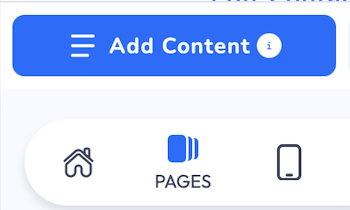
Go to your Pages section
-
Open the Linq app and tap the Pages tab.
-
-
Open Contact Info
-
On your page, tap the blue Edit Contact button next to your profile picture.

-
-
Add new contact information
-
Scroll down and tap + Add Contact Information.

-
-
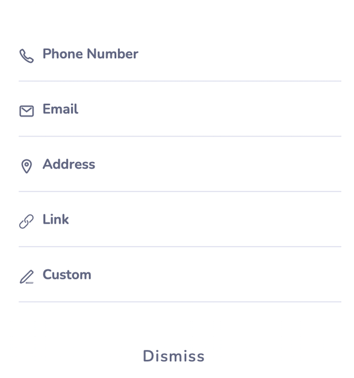
Choose the type of contact info
-
Select the type of detail you want to add, such as:
-
Website / URL (social links, portfolio, booking link)
-
Additional phone number
-
Additional email address
-
Location / address
-
Other custom contact details
-
-
-
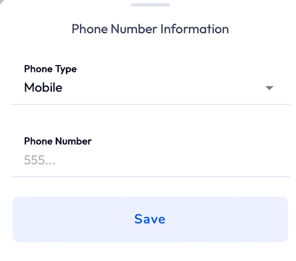
Fill in the details & save
-
Enter the appropriate info (e.g., phone number, URL, email).
-
Save your changes.
-
Now, when visitors download your contact card, all of this extra info will be included—giving them multiple ways to reach you and find your online presence.