
Join an Existing Linq Sandbox
If someone on your team has already created a Sandbox account, you don’t need to set up a new one—you can be added directly to their existing environment.
How It Works
Sandbox access is managed by users within the same workspace. A current member of the Sandbox can invite you to join from within their settings.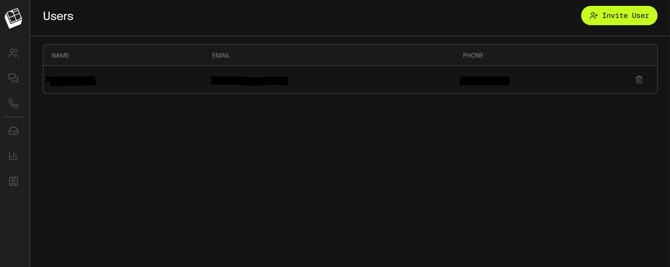
Steps to Receive Access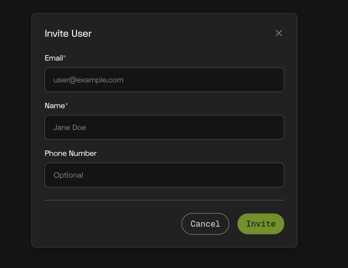
- Ask a teammate who already has access to Sandbox
- Have them navigate to the Users tab within Sandbox and click ''Invite User''
- They can send you an invitation using your email address
- Accept the invitation to gain access
Notes
- You must be invited by an existing Sandbox user to join
- If you’re unsure who has access, check with your team or account admin
- Joining an existing Sandbox allows you to collaborate and share the same test environment